Why we built Kinora.
Kinora records where a family's assets, documents and important contacts are kept, so they can be found when they're needed. This page is our account of why it exists and how it was built — the complete product story lives on its own site.
- Status
- Internal testing · v1.0.3
- Platforms
- Android · iOS
- Languages
- English · हिन्दी
- Product site
- kinora.co.in
Distributed on the Play Console internal test track, plus a signed APK for direct sharing. Not on the open Play Store yet.
If something happened to you tomorrow, would your family know where to look?
Most families find out the answer is no at the worst possible moment — going through drawers in the middle of an emergency, looking for a policy number nobody wrote down.
The information usually exists. It is just distributed across a dozen places and one person's memory.
One PDF
is what your family should need. Not a filing cabinet and a guess.
The person who holds it all in their head
Kinora is for whoever in a family is quietly responsible for knowing where the papers are. It is built so that the least technical person in that family can open it later and find what they need, without being walked through it.
What Kinora is not
Not a tracker — it doesn't connect to your bank.
Not an advisor — it doesn't tell you what to buy.
Not a portfolio manager — it doesn't chase returns.
It records where things are kept, and who to call. That is the whole job.
Four things, finished properly
Everything below is working code in build 1.0.3 — not a roadmap.
The vault
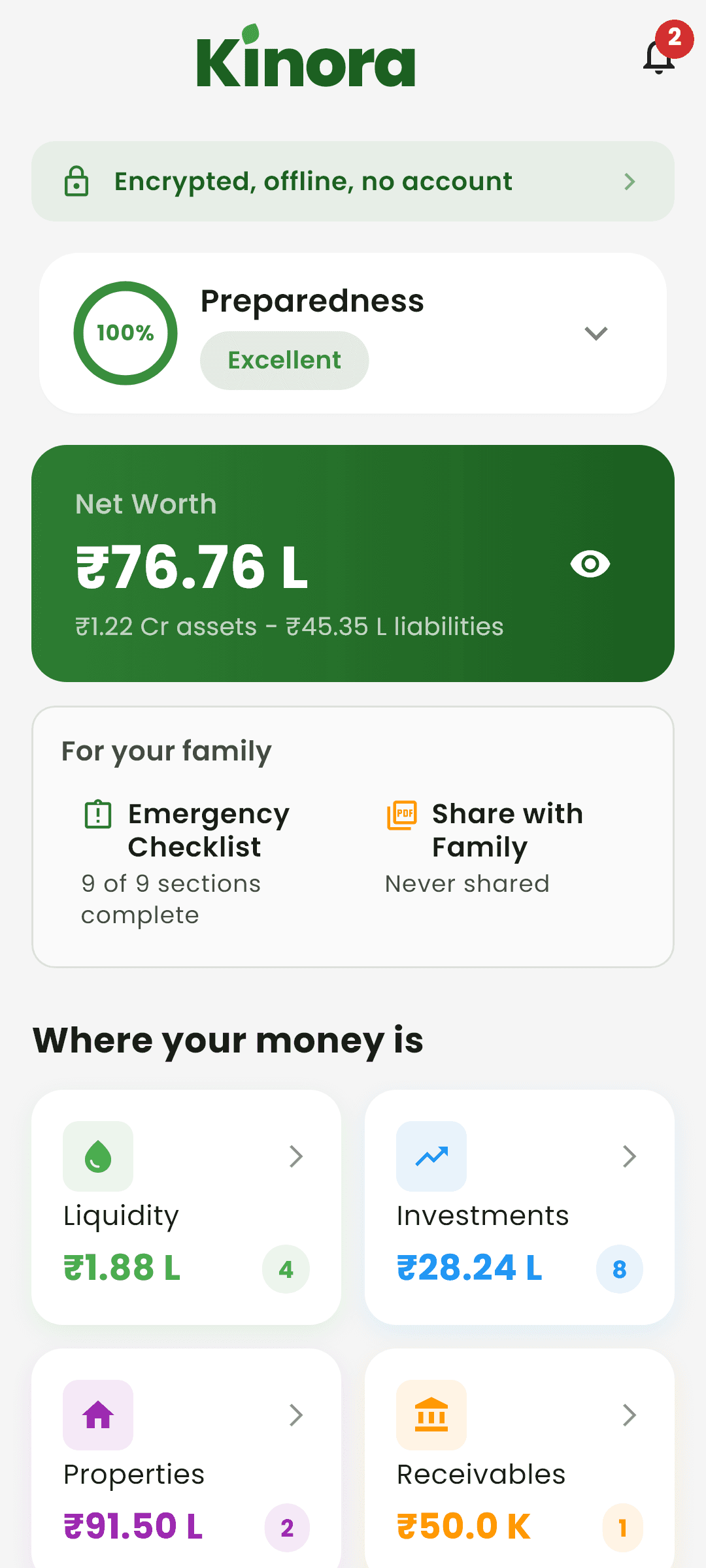
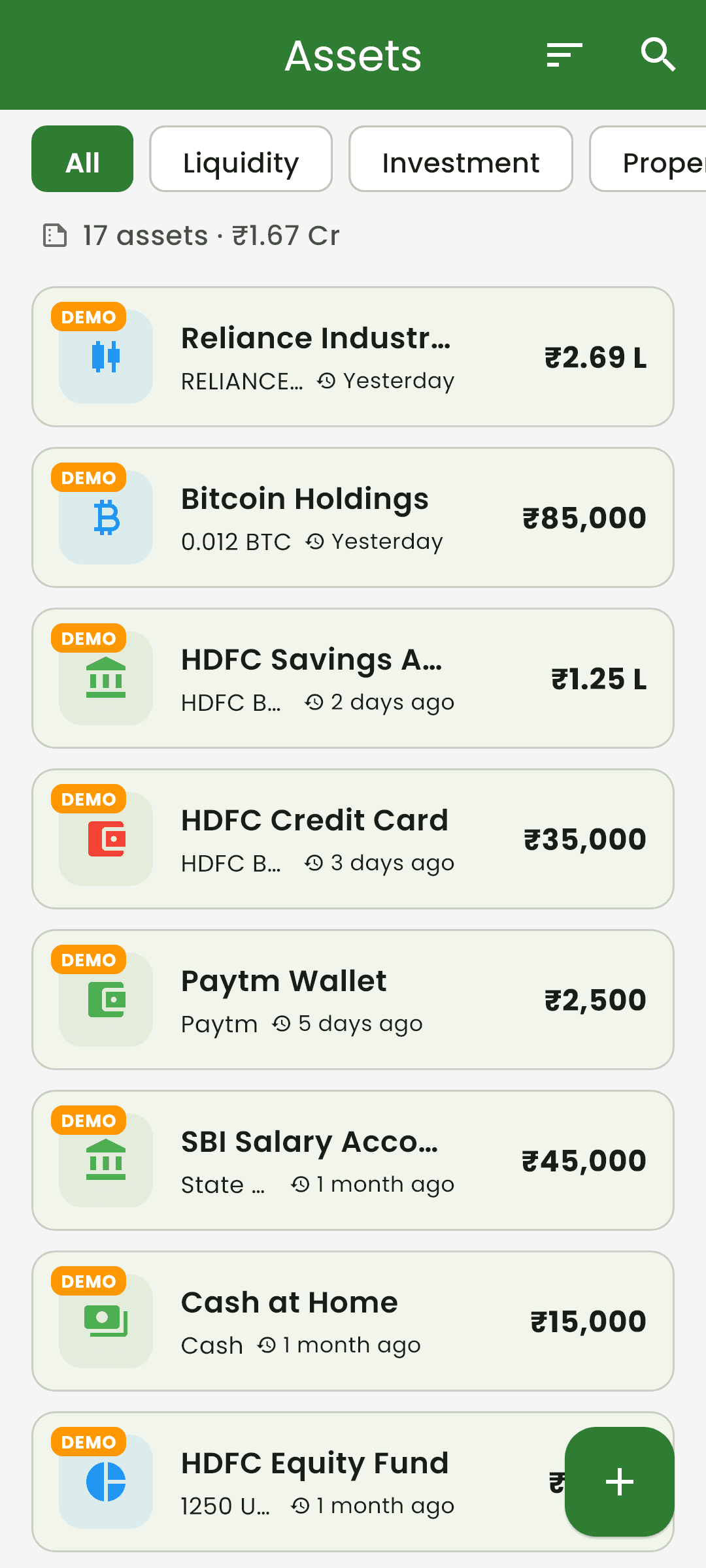
Five asset categories across 50+ subcategories — liquidity, investments, property, receivables, liabilities. Every asset carries a nominee and a note on where the physical papers live.
The people
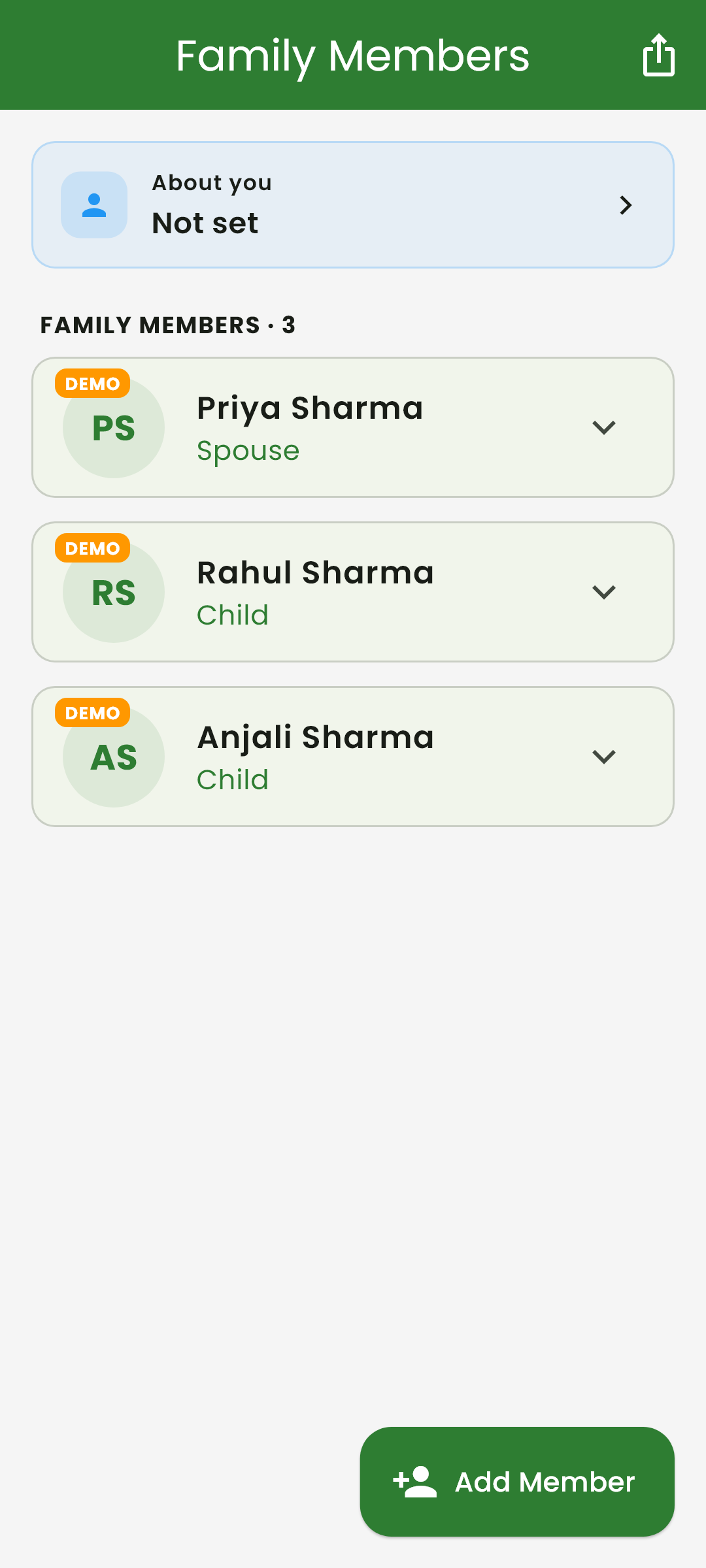
Family members, and the advisors your family will actually need to reach — lawyer, accountant, financial advisor, employer — each with what they handle and how to contact them.
The Emergency Packet
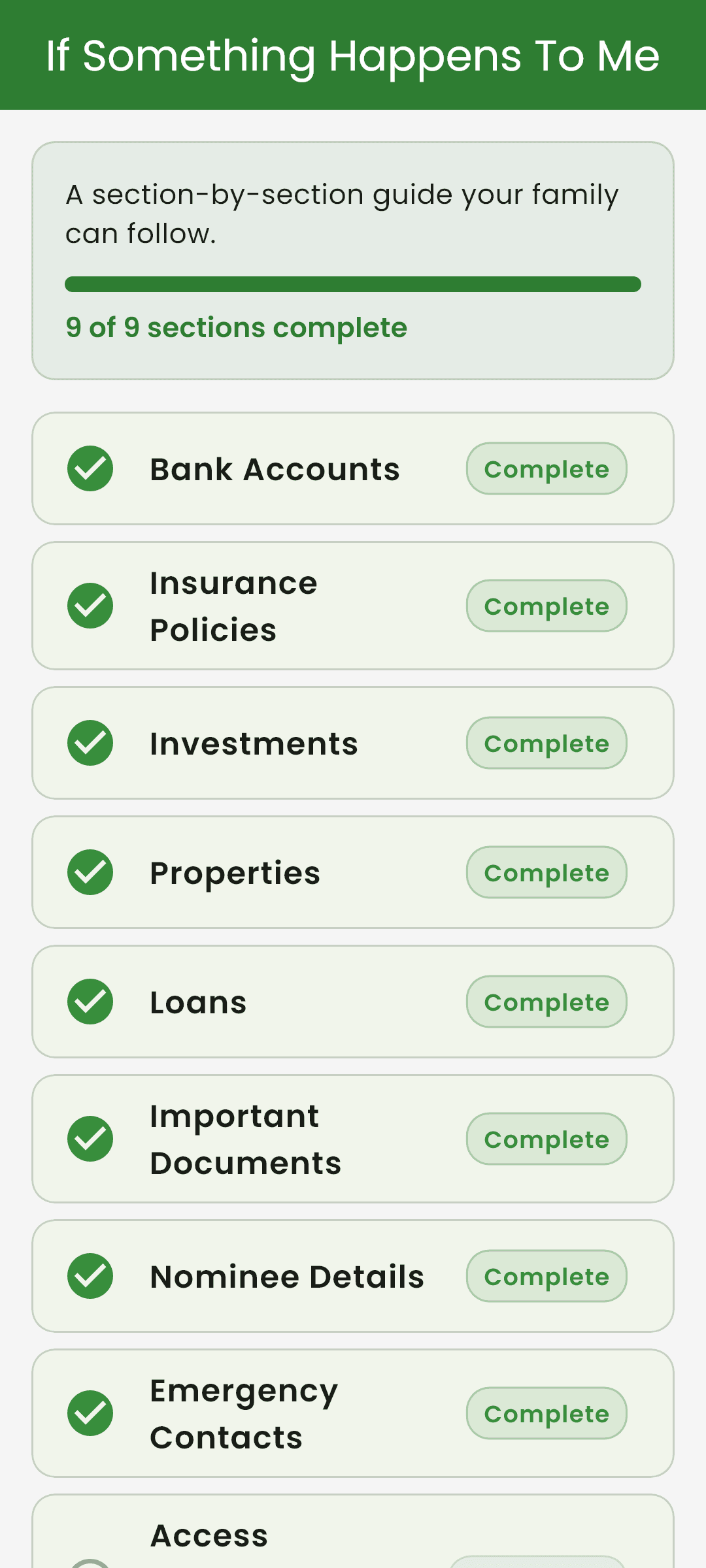
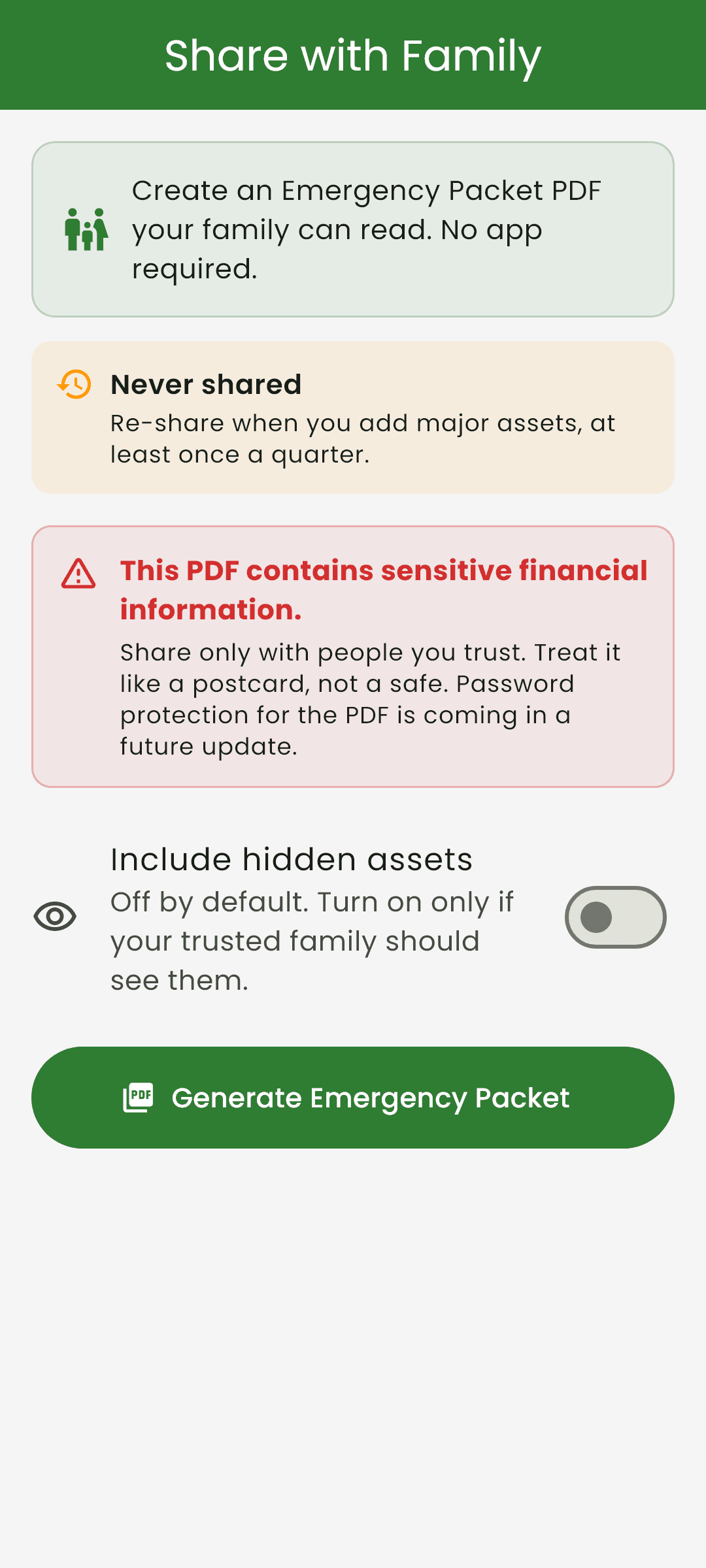
One tap produces a styled PDF your family can open from WhatsApp or email without installing anything. Assets, advisors, family, checklist status — the whole picture, in a file.
The Preparedness score
A 0–100 score that climbs as the vault fills in, across five components. It turns an open-ended chore into a finite one, and tells you which step is next.
What actually protects your vault
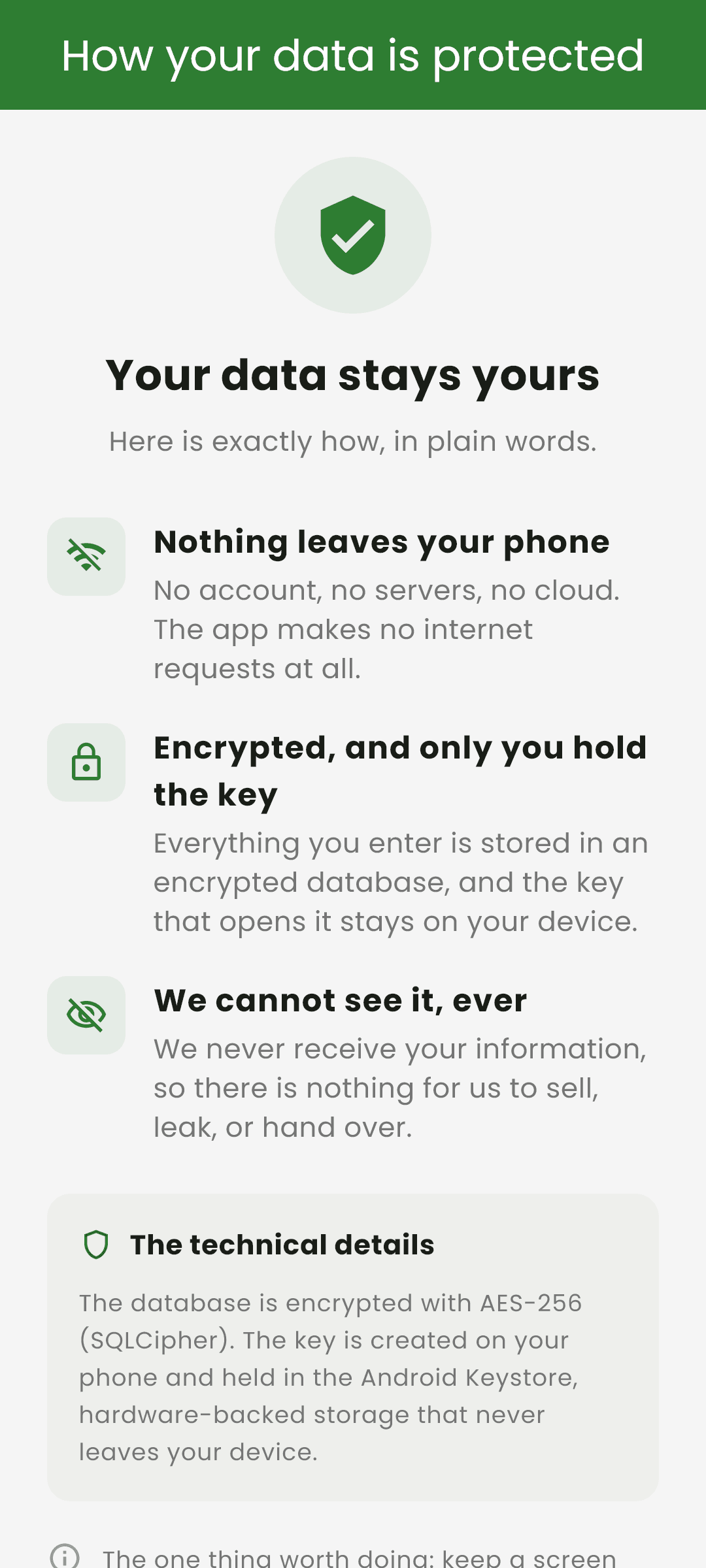
There is no BeliefSoft server. Your vault never reaches us, because there is nowhere for it to go. That single fact decides most of what follows.
What protects it
The vault file, on the phone
The database is encrypted on the device itself with SQLCipher. The key is generated on your phone and held in the Android Keystore or iOS Keychain — it is never written into a backup and never leaves the device.
The screen, when you walk away
Biometric unlock, a configurable auto-lock timeout, and a separate PIN-gated list for assets you mark private. Family phone numbers and emails are masked by default, revealed one row at a time.
The backup, wherever you put it
Exported backups are encrypted with a per-device key and carry a recovery code so you can restore onto a new phone. A tampered file fails verification instead of restoring quietly.
And what doesn't
An unlocked phone in someone else's hands
Encryption protects the file at rest. It does not protect a running app. Your phone's lock screen and the in-app lock are what cover that — the app says so on its own security page.
The Emergency Packet, once you send it
The PDF is not password-protected in this version. Treat it like a copy of your passport: send it only to people you would trust with your passport. Password protection is queued for V1.1.
A lost recovery code
If the phone is gone and the recovery code was never written down, the backup cannot be opened. Not by you, and not by us. That is the cost of holding no keys.
The specifics
- Vault at rest
- SQLCipher, AES-256, key held in the device secure store
- App PIN
- PBKDF2-HMAC-SHA256, 16-byte salt, 200,000 iterations, constant-time verify
- Backup file
- AES-256-GCM, per-device key, auth tag detects tampering
- Server
- None. There is no backend to hold, read, or lose your data.
- Analytics
- No SDK in the project. The only implementation makes no network calls.
- Account
- Not required. Local use needs no login.
A vault that needs a server is a vault with a deadline.
Preserving information for the next generation is a promise measured in decades. Any product that keeps your records on someone else's computer is quietly betting that the company outlives the need — and most companies don't.
So Kinora holds nothing. The data is on your phone, the backup is yours to place, and the Emergency Packet is a plain PDF that will still open in twenty years. If BeliefSoft disappeared tomorrow, your vault would keep working.
Queued for V1.1
No dates. These ship when they're right, and this list updates when they do.
Password-protected Emergency Packet
Set a password before you share the PDF.
Document file upload
Store the papers themselves, encrypted — not just where they are.
Multi-currency
The system is already in code; the picker is hidden for beta.
Reminders
Service code is wired, waiting on beta families to ask for it.
The build log
Taken from the product’s changelog. Evidence that the thing moves.
Dark mode, measured against WCAG AA, and legal documents in हिन्दी.
The encryption release. The vault moved behind SQLCipher, converting existing data safely.
Backups carry all seven data tables; the packet export moved behind a PIN prompt.
First internal build, under the name Kinora — previously U Diary.
The full story lives at kinora.co.in.
Features, screenshots, the privacy policy and how to get the app — all on Kinora’s own site. Or leave your email and we’ll tell you when it opens up.